
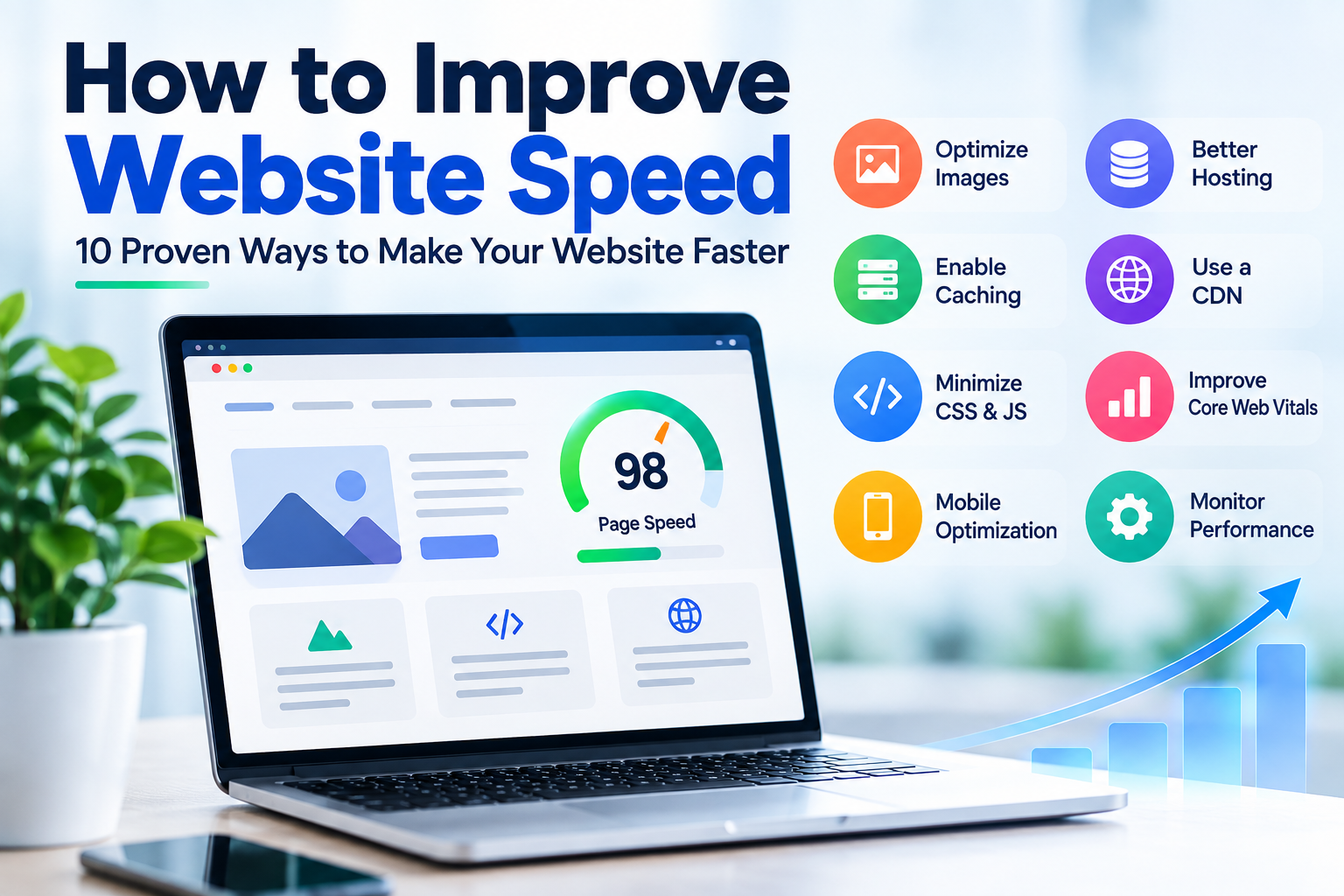
Website speed has become an important part of building a successful online presence. Visitors expect websites to load quickly, respond smoothly, and work properly across mobile phones, tablets, and desktops. A slow website can create a poor user experience and may cause visitors to leave before they explore your products, services, or content.
Website performance is also connected to search visibility and user experience. Google recommends that website owners provide a good overall page experience and pay attention to Core Web Vitals, which measure loading performance, responsiveness, and visual stability.
If your website is slow, you do not necessarily need to rebuild the entire website. Several practical improvements can make a significant difference. From optimizing images and enabling caching to choosing reliable hosting and improving your website code, small technical changes can improve the experience for visitors.
Why Website Speed Matters
Website speed affects how quickly visitors can access and interact with your content. When a page takes too long to load, users may become frustrated and move to another website.
A fast website can help create a better experience by allowing visitors to find information, browse products, submit forms, and complete purchases more efficiently.
Speed is particularly important on mobile devices because users may access websites through cellular networks with varying connection quality. A website that performs well on desktop but loads slowly on mobile can still lose potential customers.
1. Optimize Your Website Images
Large and unoptimized images are one of the common causes of slow-loading websites.
High-resolution images can consume significant bandwidth when they are downloaded by visitors. Instead of uploading unnecessarily large files, resize images according to the dimensions actually required on the page.
Modern image formats such as WebP and AVIF can also reduce file sizes while maintaining good visual quality.
For better performance:
- Resize images before uploading them.
- Compress large image files.
- Use WebP or AVIF where appropriate.
- Add descriptive alt text.
- Use lazy loading for images that are below the initial viewport.
2. Choose Reliable Web Hosting
Your hosting infrastructure plays an important role in website performance. Even a well-optimized website can experience slow response times when the underlying server has insufficient resources or poor infrastructure.
When choosing hosting, consider CPU resources, RAM, storage technology, server performance, bandwidth, uptime, scalability, and technical support.
For small websites, shared hosting may be sufficient. Growing websites may benefit from VPS or cloud hosting, while resource-intensive applications may require a dedicated server.
The important point is to select hosting based on your website's actual workload rather than choosing a plan only because it is inexpensive.
3. Enable Browser Caching
Browser caching allows certain website resources to be stored locally in a visitor's browser.
When the visitor returns to your website, the browser may not need to download every resource again. This can reduce repeated network requests and improve loading performance for returning visitors.
Depending on your website technology, caching can be configured through your web server, CDN, caching plugin, framework, or hosting environment.
4. Use a Content Delivery Network
A Content Delivery Network, commonly called a CDN, distributes static website resources through a network of servers.
Instead of every visitor downloading files from one origin server, a CDN can deliver cached resources from infrastructure that is geographically closer to the visitor.
A CDN can be particularly useful for websites that receive visitors from multiple cities or countries.
Images, CSS files, JavaScript files, fonts, and other static resources can often benefit from CDN delivery.
5. Minimize CSS and JavaScript
CSS and JavaScript are essential for modern websites, but unnecessary code can increase page size and processing requirements.
Removing unused code and minimizing production files can help reduce the amount of data that browsers need to download and process.
Developers can consider:
- Removing unused CSS.
- Removing unnecessary JavaScript libraries.
- Minifying CSS and JavaScript.
- Loading scripts only when they are required.
- Using code splitting for large applications.
These techniques are particularly useful for JavaScript-heavy websites and modern web applications.
6. Improve Core Web Vitals
Core Web Vitals are user-focused metrics that measure important aspects of page experience.
The current Core Web Vitals include:
- Largest Contentful Paint (LCP): Measures loading performance.
- Interaction to Next Paint (INP): Measures how quickly a page responds to user interactions.
- Cumulative Layout Shift (CLS): Measures visual stability.
Google recommends aiming for good Core Web Vitals. Current recommended thresholds include an LCP of 2.5 seconds or less, an INP below 200 milliseconds, and a CLS score below 0.1.
However, achieving good Core Web Vitals does not automatically guarantee high Google rankings. Google considers many factors when evaluating search results, and page experience should be approached as part of a broader SEO strategy.
7. Reduce Unnecessary Plugins and Third-Party Scripts
Plugins and third-party services can add useful functionality to a website, but installing too many can increase page weight and processing requirements.
Review your website regularly and remove plugins, widgets, tracking scripts, and integrations that are no longer required.
Third-party services such as chat widgets, advertising scripts, social media embeds, analytics tools, and external fonts can also affect performance.
Keep the services that provide genuine business value and remove unnecessary ones.
8. Optimize Your Website for Mobile Devices
Many users access websites through smartphones. Therefore, website performance should be evaluated on mobile devices rather than only on a desktop computer.
A mobile-optimized website should have responsive layouts, appropriately sized images, readable text, simple navigation, and buttons that are easy to interact with.
Test important pages on different screen sizes and network conditions. A website should remain usable even when the visitor does not have a high-speed connection.
9. Optimize Your Database
Database performance can affect websites that frequently retrieve or update information.
Large databases, inefficient queries, unnecessary records, and missing indexes can increase response times.
For database-driven websites and applications, developers should review slow queries, optimize database indexes, remove unnecessary data where appropriate, and use caching for frequently requested information.
Database optimization becomes increasingly important as an application grows and handles more users or transactions.
10. Monitor Website Performance Regularly
Website optimization should not be treated as a one-time task. Websites change over time as developers add new pages, images, plugins, features, tracking tools, and integrations.
Regular performance testing helps identify new problems before they significantly affect visitors.
You can monitor:
- Core Web Vitals
- Page loading performance
- Server response time
- Mobile performance
- Large image files
- JavaScript and CSS resources
- Broken pages and redirects
Google Search Console can help website owners monitor Core Web Vitals, while other performance tools can provide additional diagnostic information.
Common Website Speed Mistakes to Avoid
Some performance problems are caused by simple mistakes that can be avoided during development and maintenance.
- Uploading very large images without compression.
- Using too many plugins or third-party scripts.
- Choosing hosting without considering resource requirements.
- Loading unnecessary JavaScript on every page.
- Ignoring mobile performance.
- Using too many animations and large visual effects.
- Failing to monitor website performance after major updates.
Choose the Right Website Design and Development Company
Website speed is only one part of a successful online presence. Your website should also have a responsive design, clear navigation, mobile-friendly layouts, optimized content, and a strong technical foundation.
Working with a professional website design company in India can help businesses create websites that combine modern design with performance, usability, SEO, and mobile responsiveness.
Whether you are building a new business website or improving an existing website, the development process should consider page speed, responsive design, clean code, security, scalability, and search engine optimization from the beginning.
How Website Speed Supports SEO
SEO is not simply about adding keywords to a webpage. Google recommends creating helpful, reliable, people-first content and providing a good page experience.
A fast website can make it easier for visitors to access and interact with your content. Better usability can support engagement and conversions, while strong technical foundations help search engines access and understand your pages.
However, website speed should be considered alongside content quality, search intent, technical SEO, internal linking, structured data where appropriate, and other relevant ranking factors.
Conclusion
Improving website speed is one of the most practical ways to create a better experience for your visitors. You do not always need a complete website redesign. Optimizing images, improving hosting, using caching and CDN services, reducing unnecessary scripts, optimizing code, and monitoring Core Web Vitals can all contribute to better performance.
Start by identifying the biggest performance problems on your website and address them one at a time. Measure the results after each major improvement so you can understand which changes provide the greatest benefit.
A fast, responsive, secure, and mobile-friendly website gives visitors a better experience and creates a stronger technical foundation for long-term SEO and online business growth.